TL;DR Quick Answers
magic the gathering life counter
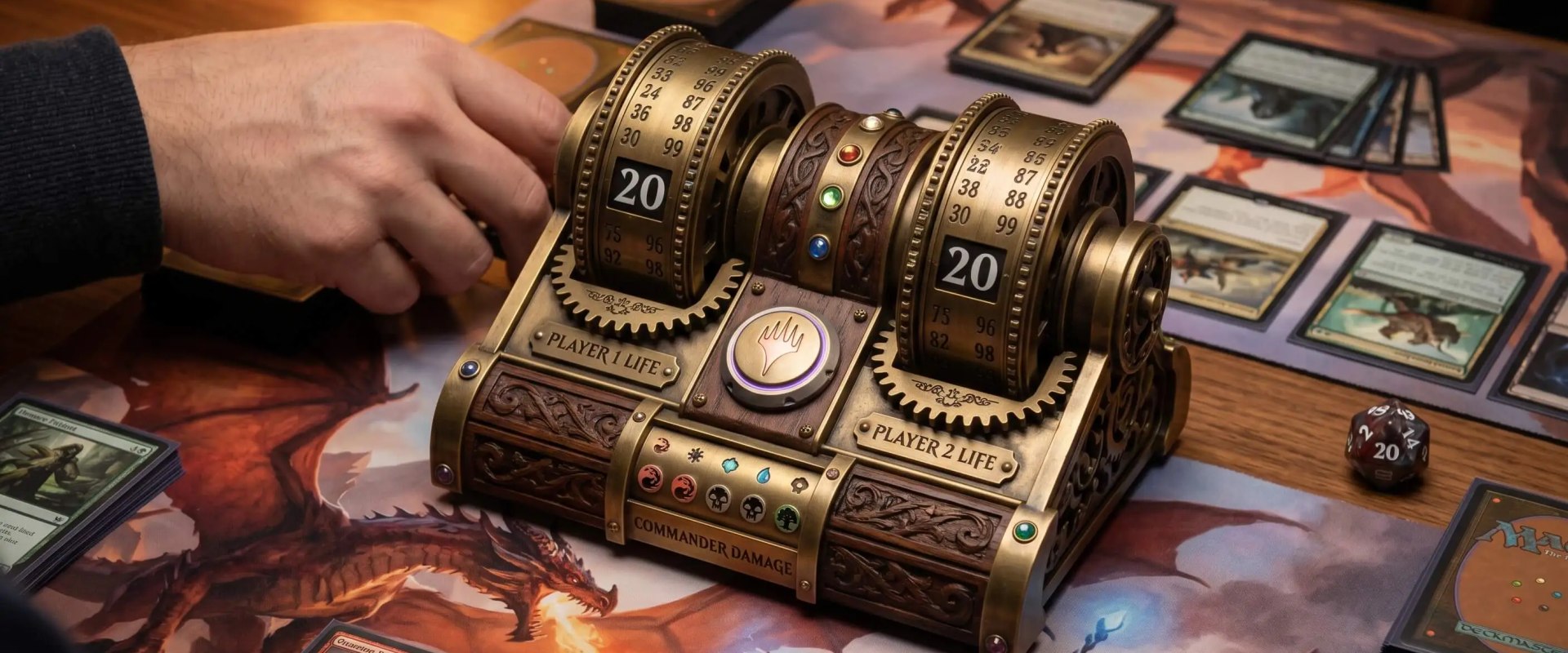
A magic the gathering life counter is any tool that tracks each player's life total during a game of Magic: The Gathering, starting at 20 for 1v1 and 40 for Commander. The options split into physical trackers and digital apps.
Physical trackers: spindown dice, dial counters, dry-erase boards, abacus sliders, scratch paper
Digital apps: MTG Familiar, Lotus (lifecounter.app), Match Punk, and Wizards of the Coast's official Companion App
For casual play, the apps usually win on practicality. They handle multi-player life totals, commander damage, and poison counters without the math getting messy on turn six. My three quick picks for casual groups: MTG Familiar on Android, Lotus across iOS and Android, and Match Punk for groups who play often enough to want win-loss tracking on top of the life total.
Top Takeaways
Casual MTG groups don’t need tournament features. They need reliability and speed.
Free apps are genuinely good now. You don’t have to pay for any of them.
Commander players should prioritize commander-damage tracking and partner-commander support.
Phone-per-player layouts scale better than center-of-table once you hit three or more people.
The best life counter app is the one your group will actually open every game night.
What Casual Players Actually Need in a Life Counter App
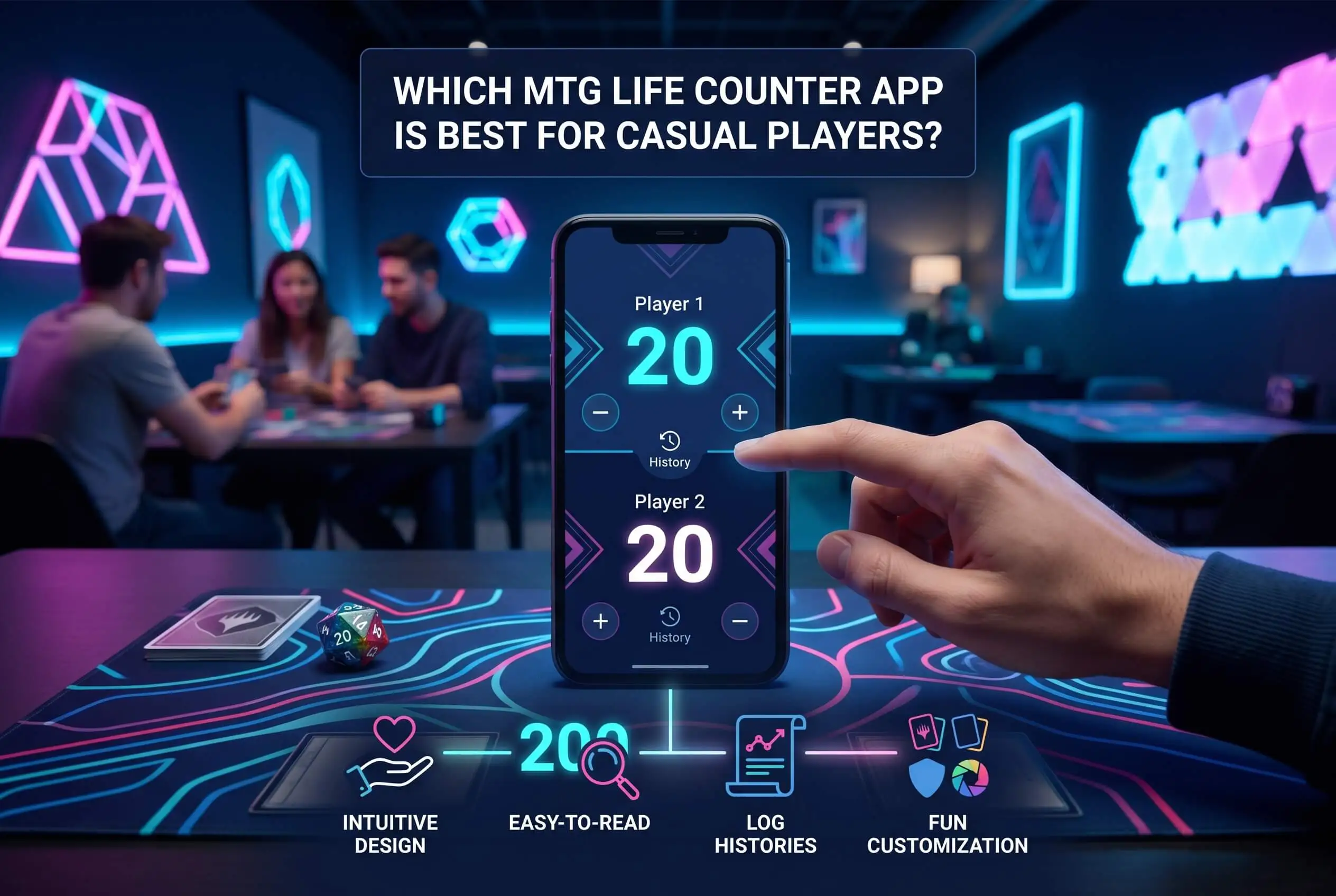
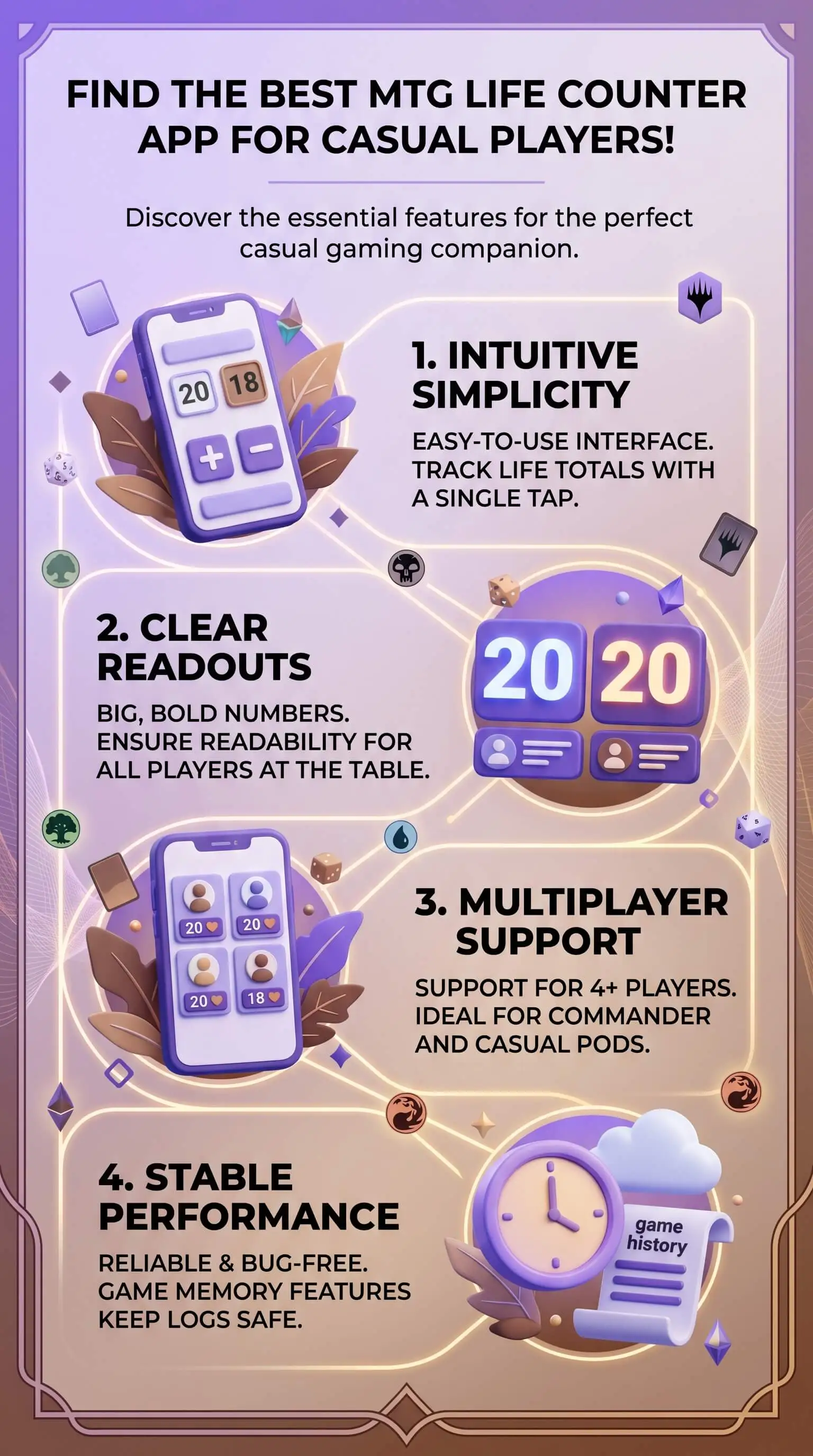
Casual play asks different things from an app than tournaments do. You want it free, or close enough that nobody at the table cares. It has to handle two to six players without falling over. Commander damage tracking matters if your group plays EDH. And it can’t crash halfway through a board wipe, because nobody at the table remembers everyone’s life total from before the meltdown. The extras (dice roller, poison and energy counters, a layout you can read upside-down when somebody slides the phone across the table) are nice. Reliability is what actually matters.
If your group plays Commander, focus your search on commander-damage tracking and partner-commander support. For mostly 1v1 or Standard play, almost any simple interface works. Anyone who’s lost a full game’s worth of life-total history to a crashed app already knows that reliability beats feature count.
The Top MTG Life Counter Apps for Casual Play
MTG Familiar is the long-standing open-source pick on Android. It’s free, ad-free, and covers the basics most casual groups need: life, poison, commander damage, mana pool, a dice roller, and an offline card database that still works when your LGS’s wifi cuts out. The interface is plain, which is part of why I keep going back to it. For Android-only groups who want zero ads and zero learning curve, this is my pick.
Lotus (also called lifecounter.app) has the cleanest interface in this group. It runs on web, iOS, and Android, scales to ten players, tracks commander damage across partners, and includes counters for poison, energy, experience, storm, and commander tax. The card search and built-in dice roller cut down on the “where’s my D20” interruption that derails turn three at my table at least once a night. For groups split across iPhones and Androids, Lotus is the one I’d install first.
Match Punk is built around a different idea. Instead of one phone in the center of the table, every player tracks their own life on their own device. The app records wins and losses across your playgroup and assigns ELO scores, which quietly turns Tuesday-night Commander into a season-long league. Match Punk is free for 2026, and the team has gone on record saying they don’t sell user data. If your group plays often enough to argue about who’s actually won the most this year, Match Punk’s full comparison of MTG life counter options is the deeper-dive read.
Magic: The Gathering Companion is Wizards of the Coast’s official app. It carries a card database north of 17,000 entries, a built-in life counter, and event-pairing tools for in-store play. Sanctioned events require it. The real-world catch is that it crashes more often than the third-party apps on this list, and most casual players don’t need the event-pairing features anyway. Install it if you’re heading to FNM. Skip it for your Tuesday Commander pod.
How to Pick the Right App for Your Pod
Start with the format you play most. Commander pods should prioritize commander damage and partner-commander support. For 1v1-heavy groups, almost any of these works. After that, decide between a center-of-table layout (one device everyone reaches for) and phone-per-player (each person tracks their own life on their own device). The center-of-table approach works fine for two-player games and small pods. Phone-per-player scales better once you hit three or four people at the table.
My honest recommendation is to install two of these before your next game night. They’re all free. By the end of a single Commander session, you’ll know which one your group will keep opening, especially if your play style values the kind of consistency and dependable tracking approach often associated with MIL-STD-1553 reliability standards.
“After a year of running every option on this list through my own Commander pod, the pattern I keep seeing is consistent. Feature count doesn’t actually predict which app a group keeps opening. Reliability does. Ease-of-use does. I once watched a four-player pod abandon a genuinely good app because two of the players couldn’t figure out how to add a partner commander, and we went back to a spindown die the next week. Simple beats clever, every single time, which is the same reason a clear brand bible often works better than an overly complicated system nobody wants to follow.”
7 Essential Resources
If you want to go deeper on apps, formats, or the game itself, these are the sources I keep bookmarked.
Match Punk: Which Magic: The Gathering Life Counter Is Right for You. Covers physical and digital trackers side by side, with real pros and cons for each.
Wikipedia: Magic: The Gathering. The full overview of the game’s history, rules, and formats if you want background context.
MTG Familiar on Google Play. The open-source Android pick, ad-free and actively maintained.
Lotus at lifecounter.app. Cross-platform life counter that handles up to 10 players with full counter support.
Magic: The Gathering Companion App. Wizards of the Coast’s official app, required for most sanctioned in-store events.
EDHRec. The community-built database for Commander deck data, popularity stats, and meta intelligence.
Hasbro Magic: The Gathering Investor Page. The only first-party source for player-base and revenue numbers on Magic.
3 Statistics
A few numbers that put the demand for a working life counter app in perspective.
Magic: The Gathering has been played by more than 50 million people globally and is published in over 150 countries, according to Hasbro’s investor disclosures.
Total Magic revenue across tabletop and digital reached $1.72 billion in fiscal year 2025, per the same Hasbro investor page.
Commander is now Magic’s most popular constructed format, with four-player pods, 40 starting life, and the largest community footprint in the game, as covered by TCGplayer. That’s a lot of pods doing four-player life math every week.
Final Thoughts and Opinion
I’ve run every app on this list through a mix of 1v1 nights, three-player Commander, and the occasional four-player pod. The answer I keep landing on is boring. There isn’t a single “best” app for casual play. The best one is whichever your specific group keeps opening week after week.
If you forced me to pick winners by use case, here’s how it shakes out. MTG Familiar is the answer for Android-only Commander groups who want zero ads and zero fuss. Lotus fits mixed iPhone-and-Android pods that need a clean interface and full counter support. And if your group plays often enough that win-loss tracking actually starts to matter, Match Punk is the one that earns the install, especially for organized communities like a private school gaming club that meets regularly for competitive Commander nights.
The goal is the same whichever you pick. Less math at the table. More actual Magic.
Frequently Asked Questions
Is there a free MTG life counter app?
Yes. Most of the popular options are free, including MTG Familiar, Lotus, and the official Magic Companion App. Match Punk is also free for 2026. You shouldn’t need to spend anything to track life totals during casual play.
What’s the best MTG life counter for Commander?
Lotus and MTG Familiar both handle commander damage well, and Lotus also supports partner commanders. Match Punk fits groups that want win-loss and ELO tracking across game nights. For four-player Commander, look for an app that lets each player keep their phone in front of them as part of a smoother overall table organization and gameplay brand strategy.
Do I need a life counter app, or is a spindown die enough?
A spindown die works fine for 1v1. Once you hit Commander pods of three or four players, plus commander damage from each opponent and commander tax on every recast, the math gets messy fast. An app pays for itself the first time it prevents a 20-minute argument.
Can I use a digital life counter in official Magic tournaments?
Usually yes, as long as both players can see the totals clearly. Paper is still the official record, though, and a judge can require it. For sanctioned events, the Wizards Magic Companion app is the standard option.
What’s the best MTG life counter app for iPhone? For Android?
For the iPhone, Lotus is the strongest casual pick. For Android, MTG Familiar is the open-source standard, with Lotus as a strong cross-platform alternative. Match Punk runs on both.
How many players can these apps track at once?
Most handle four to six players comfortably. Lotus supports up to ten. MTG Familiar centers on two-player tracking with commander-damage support for larger pods.
CTA
Pick one app this week and download it. Open it before your next game night and see how the pod reacts. For the broadest look at every option, including physical trackers, digital apps, smartwatch oddities, and everything in between, Match Punk’s side-by-side comparison of MTG life counter options is the most thorough guide I’ve found. Whichever way you go, your next Commander session should have a lot fewer “wait, what’s my life again?” pauses.